Does this work offline?
+
Yes, always. Once the file is on your computer, no internet connection is needed for anything: adding vehicles, logging entries, attaching photos, generating reports, viewing charts. The only network call the app ever makes is an optional, off-by-default check for new versions.
Where does my data live?
+
On your computer, in your browser's local database (IndexedDB). Moto Journal has no server and no account. We can't see your data. The only person who can read it is you, on the computer that has the app and the backup file.
What if I lose my computer?
+
The backup file is your master copy. Save it to Dropbox, iCloud Drive, an external drive, or wherever you keep documents that matter. Restoring is one click on a new computer. The app reminds you to back up if 14 days have passed since the last backup.
Will you sell my data?
+
No. There's no way for us to. The app makes no network calls back to us; there's no account, no telemetry. The privacy story isn't a promise. It's the architecture.
Does the price include updates?
+
Yes. Every Moto Journal V1 purchase includes free lifetime version updates: every new feature, every new vehicle template, every future release. Bug fixes are always free, no exceptions. There is no premium tier. You can install future versions over the old one and keep your data.
Will it work on my iPhone or iPad?
+
Today, Moto Journal is primarily a desktop app. We ship a single HTML file you double-click to open in your default browser, and that flow does not translate cleanly to iOS. A mobile-installable version (a real "Add to Home Screen" experience for iPhone and iPad) is on the roadmap for the next minor release. If mobile-first matters to you, hold off until then.
Can I track multiple vehicles?
+
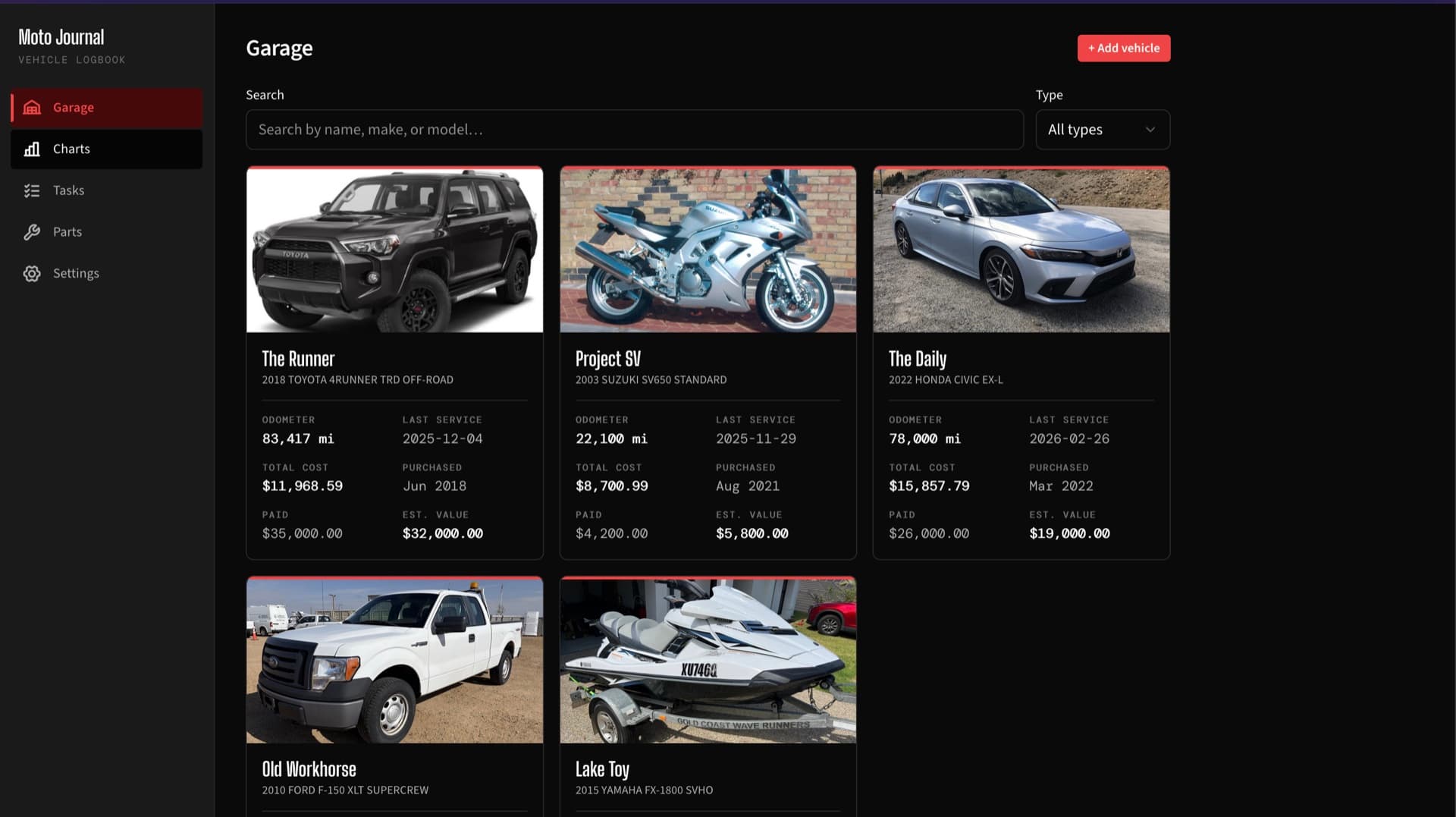
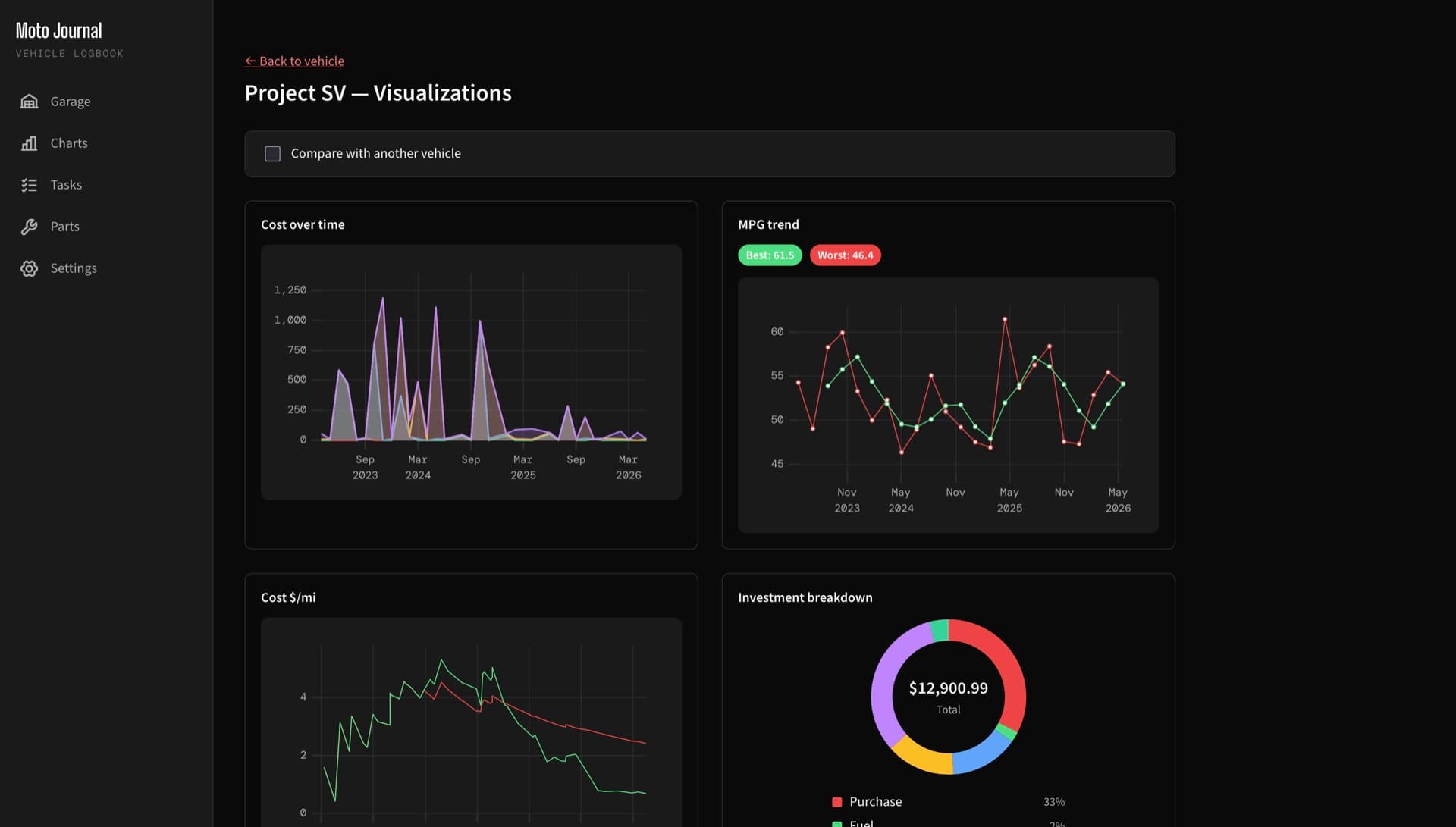
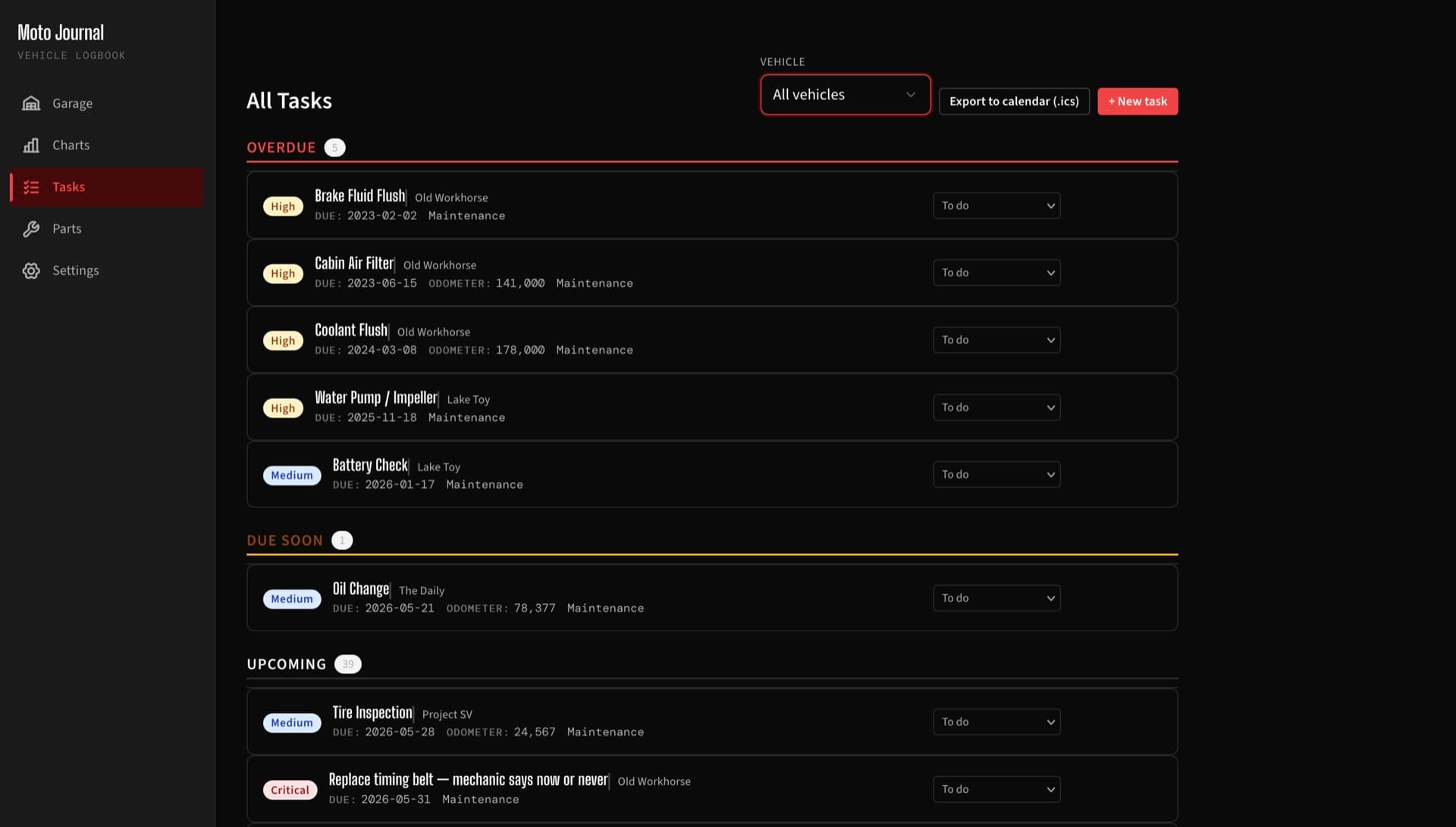
Yes. As many as you want, of any type. Each vehicle gets its own dashboard, schedules, photos, tasks, and reports. Garage-level charts compare cost per mile and total investment across the whole fleet.
What's the For-Sale Report?
+
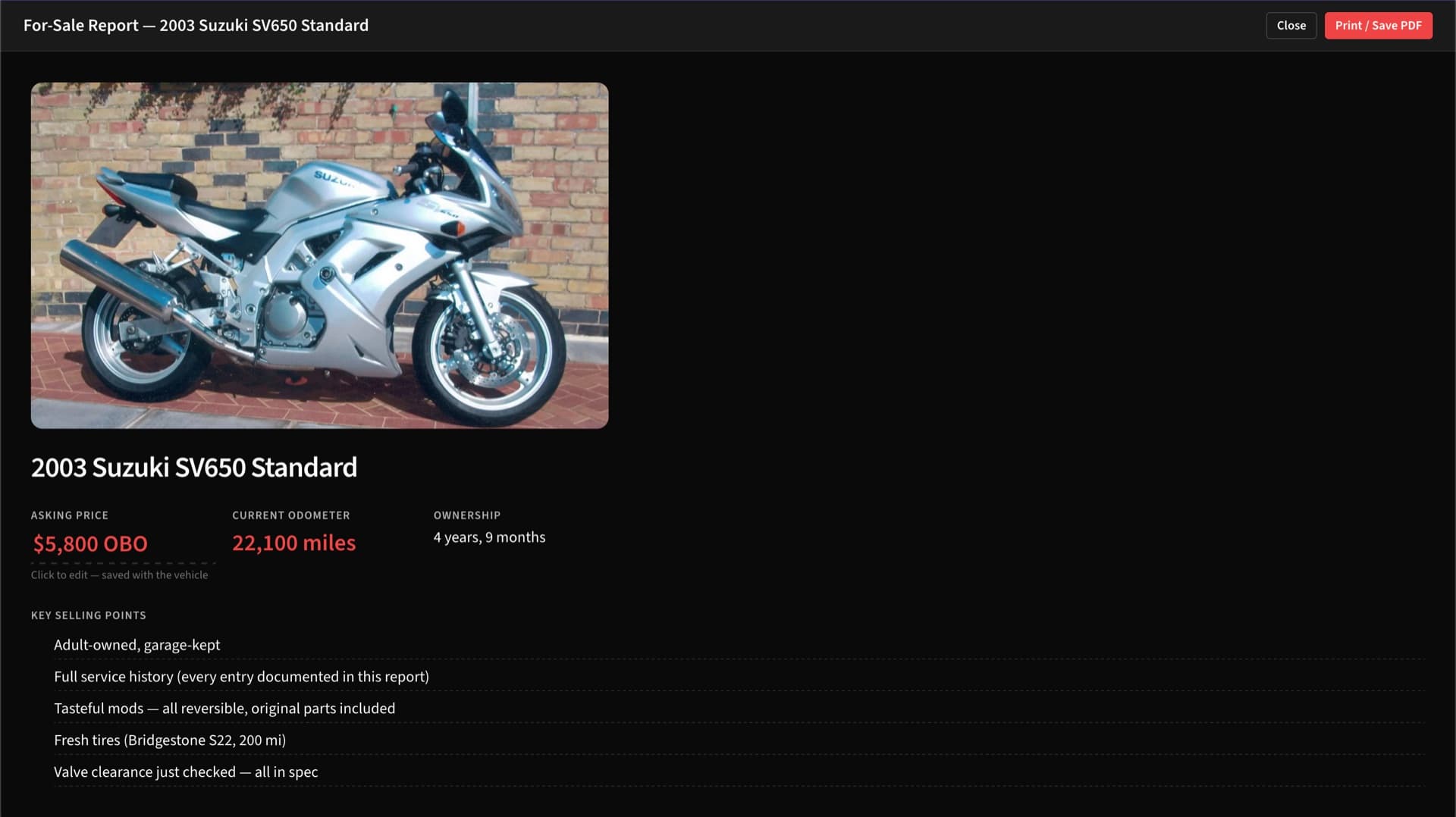
A three-page document the app generates from your logbook when you are ready to sell. It shows the vehicle, ownership duration, asking price, key selling points, complete service history grouped by year, modifications you added, and a photo gallery. Print it or save as PDF. It's what every PDF template on Etsy tries to be.
What file types can I attach to entries?
+
Photos (JPEG, PNG, HEIC) and PDFs. Photos are auto-compressed on import so a hundred receipts do not blow out your disk. Documents are stored as-is.
How do I pay? Can I get a refund?
+
Pay through the secure checkout (Apple Pay, Google Pay, or any major credit card). If the app does not fit your workflow, you have 14 days to request a refund, no questions asked.
Why isn't this a subscription?
+
Because a vehicle maintenance log is the kind of thing you should still own ten years from now, when the company that built it might not exist anymore. Subscription pricing makes the company's interests diverge from yours: they need you to keep paying; you need a record that outlasts the product. We chose the side you'd choose.
Is there a free trial?
+
Not yet. The product is twenty dollars with a 14-day refund window, effectively a "buy and try" with the money back if you don't keep it.
Do I need to activate or enter a license key?
+
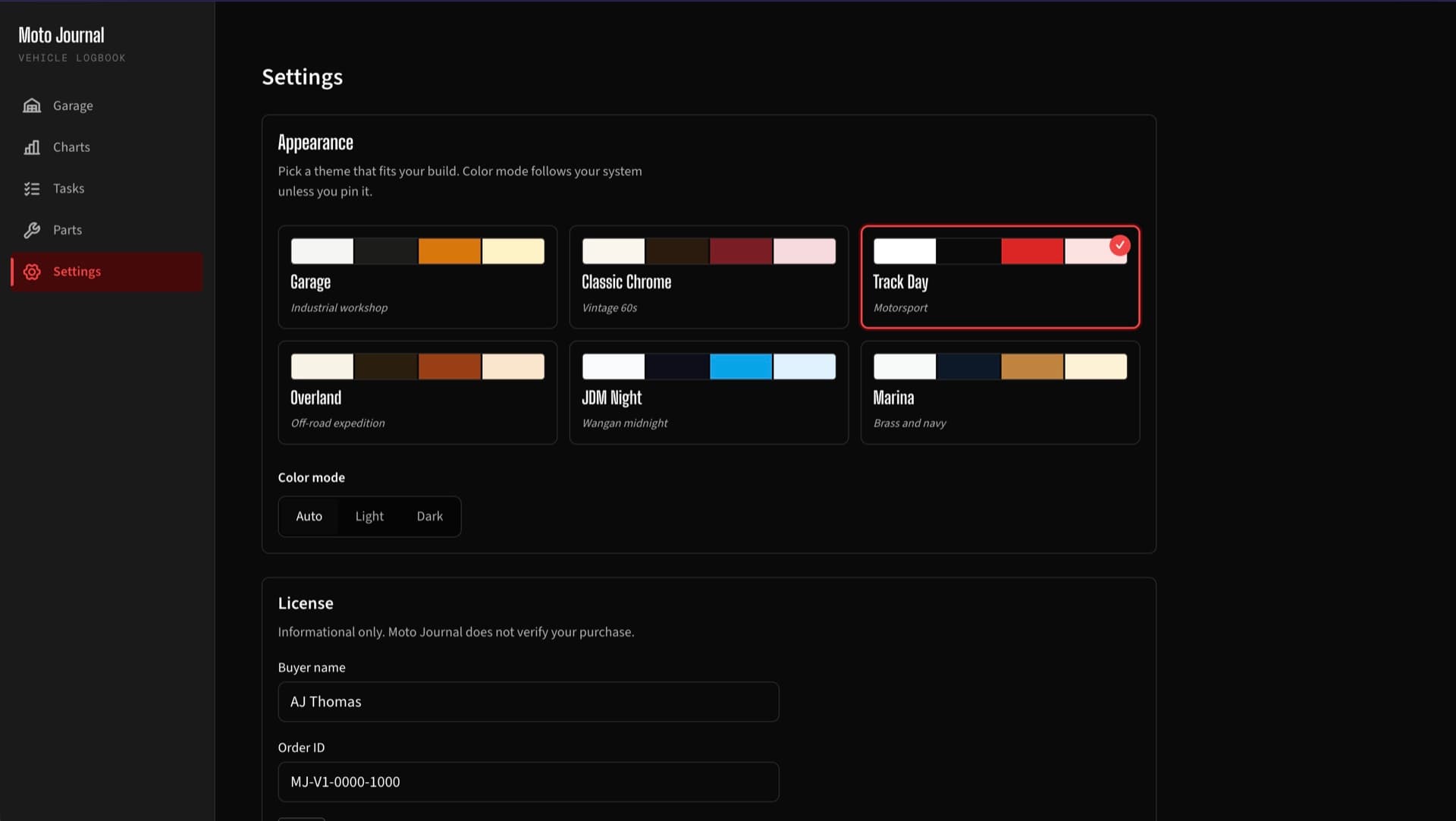
No. There is no activation step and no license check. After you pay, you'll get a receipt email with an order ID and a download link. Download the app, double-click to open, and you're in. The License panel in Settings lets you save your buyer name and order ID for your own records. The app never validates anything. The receipt email is your proof of purchase. Keep it.